How can I change my payment method?
Last updated: June 2, 2026
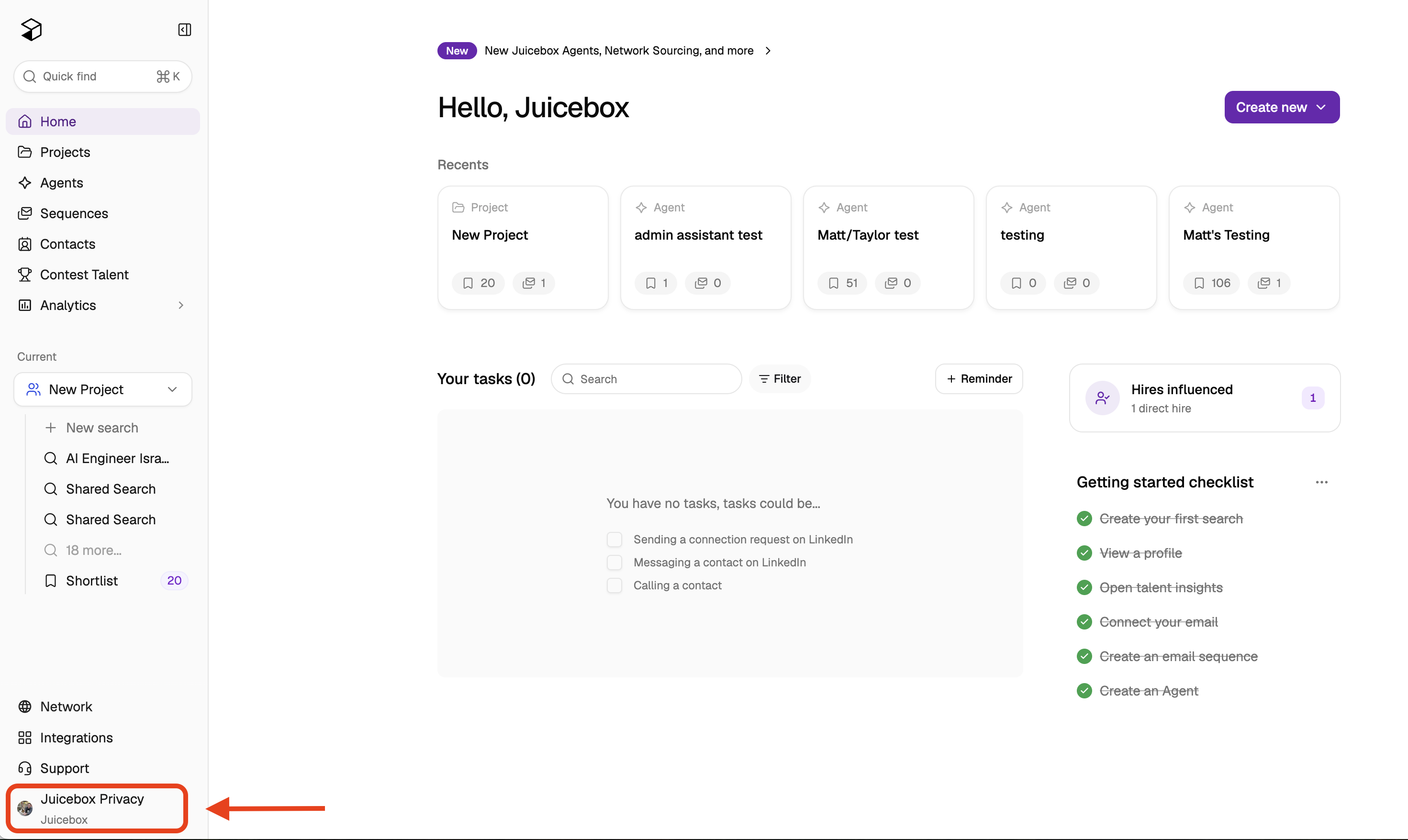
To change your payment method, please please click on your name/organization at the bottom left corner of the screen.
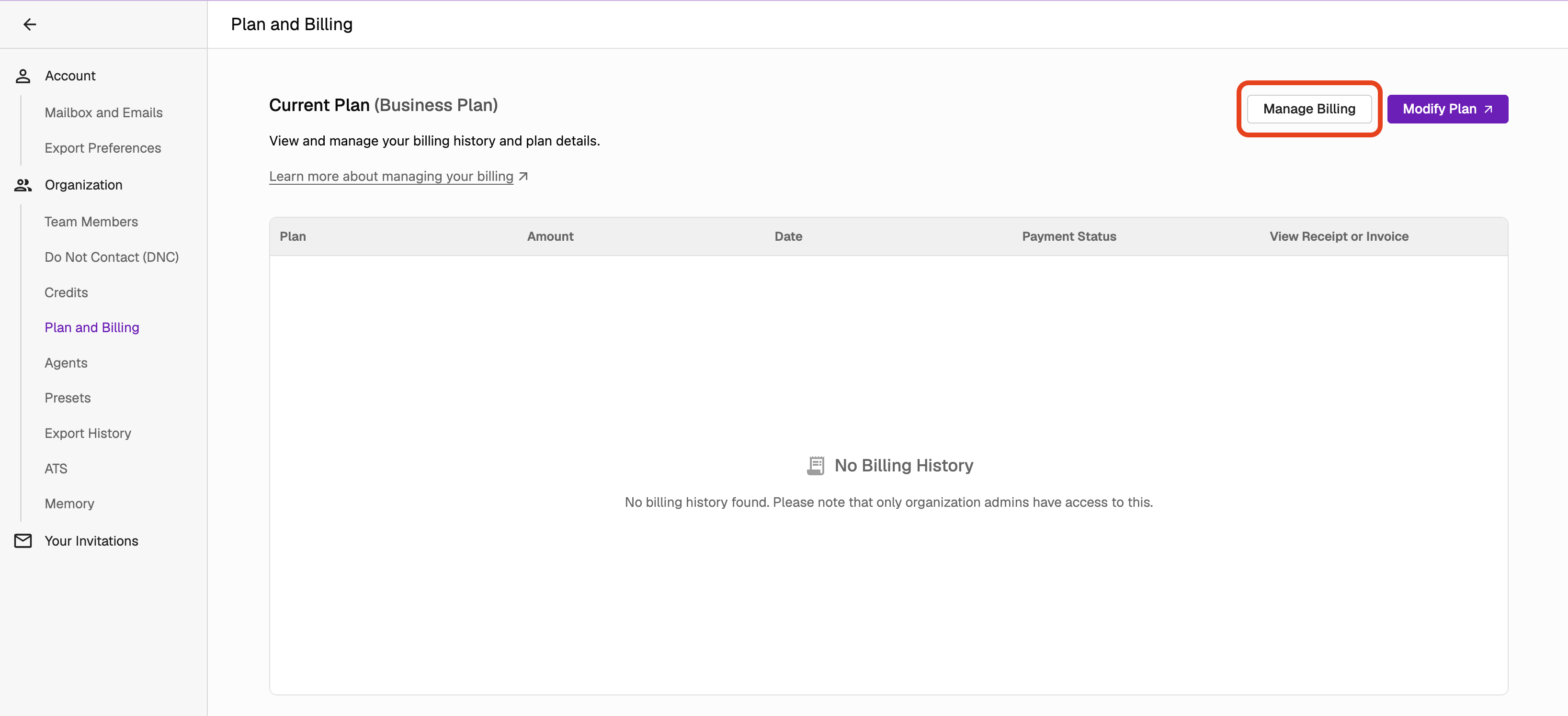
Next, select "Account Settings, then "Plan and Billing," then "Manage Billing."
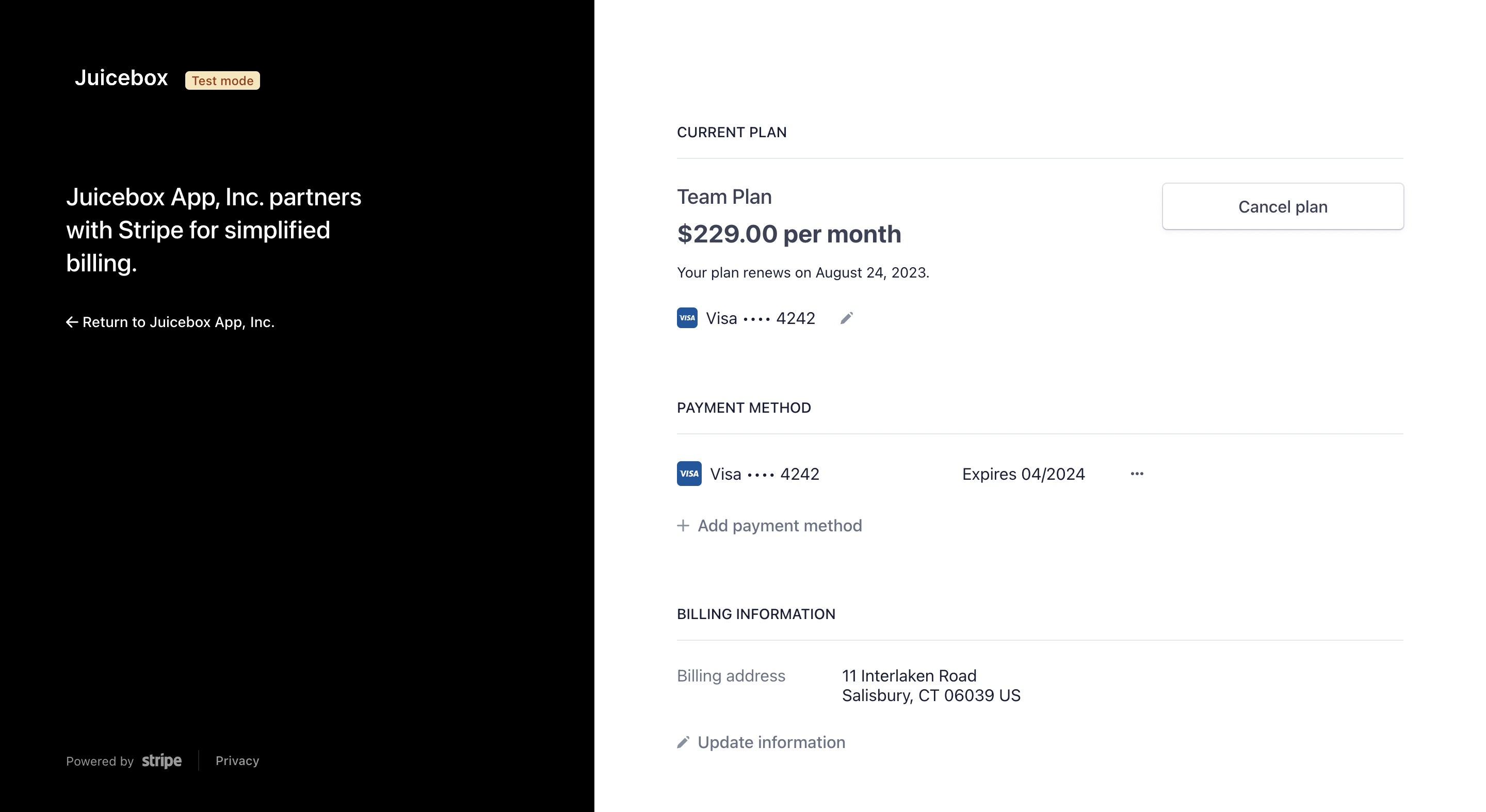
From here, you can change your billing information, payment method, or cancel your plan. To cancel your subscription, select "Cancel Subscription" - this will prevent future charges and your account will remain active until the next renewal date.
In case you have any further questions or concerns, please do not hesitate to reach out to us at support@juicebox.work.