How do I protect / improve my domain health?
Last updated: June 2, 2026
Juicebox takes measures to prevent emails being tagged as spam. For example – limiting the maximum number of emails sent per day, delay between every email sent, among others.
Preventing Emails from Being Marked as Spam
Juicebox takes several measures to reduce the likelihood of emails being flagged as spam — such as limiting the number of emails sent per day and adding delays between each message.
1. Limit the Number of Emails Sent per Day
For new email domains, start with a limit of 5–10 emails/day
All mailboxes are automatically set to a default limit of 100 emails/day
For established domains, this limit can be increased up to a maximum of 200 emails per mailbox
If your domain has been restricted or is recovering from sending issues, start with 25–50 emails/day and slowly increase back to your target limit once your domain recovers
What happens when you exceed your configured limit: If you add more candidates to your sequences than your configured max emails limit allows, Juicebox will automatically delay sequence emails to later dates rather than sending them immediately. This can result in sequences starting several days later than expected.
Important: Daily email limits apply per individual mailbox, not per project or cumulatively across all mailboxes. For example, if you have 3 mailboxes each configured with a 40 email per day limit, each mailbox can send up to 40 emails per day — not 120 emails from a single mailbox. If you have multiple active projects, they all share the same mailbox limit.
To utilize multiple mailboxes' sending capacity, tie each sequence to a different mailbox. If you have 3 sequences each tied to a different mailbox (with 40 emails/day limits), you can send up to 120 emails per day total across all sequences. A sequence tied to only one mailbox is limited to that mailbox's individual daily limit.
On the Growth plan, you can add up to 3 mailboxes, increasing your total daily capacity to 300 emails/day distributed across mailboxes. Distributing load across mailboxes also helps avoid provider-side rate limiting errors like “Daily Message/Recipient limit exceeded.”
To configure your daily sending limit: Navigate to the Integrations tab and set your Max Emails Per Day.
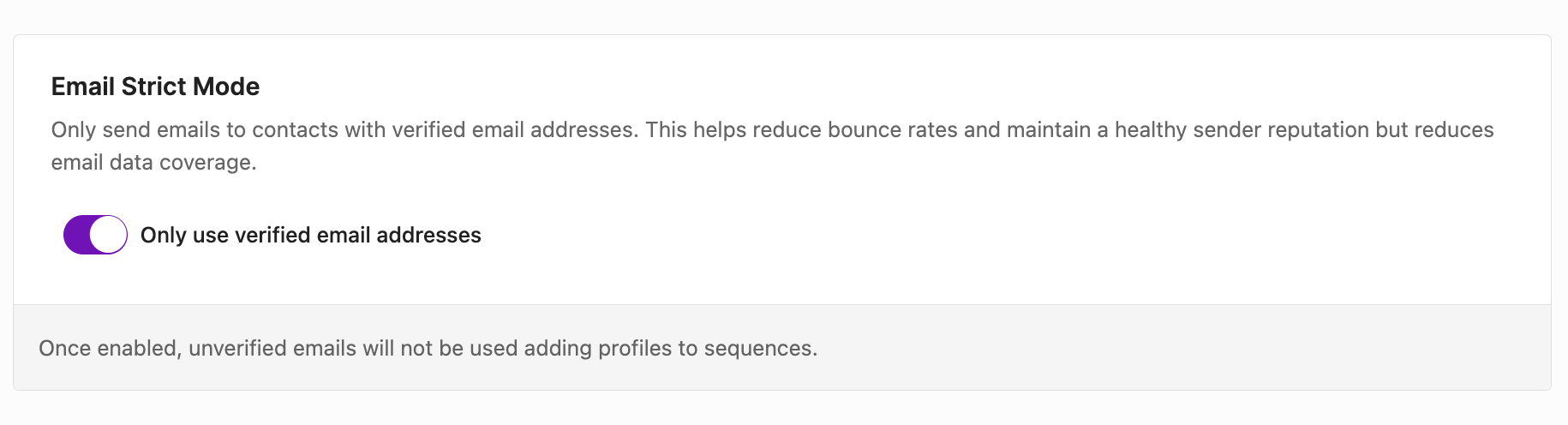
2. Enable “Strict Mode” in Your Account
Navigate to Account Settings > Email and Mailbox > Strict Mode. (linked here)
3. Set Up Email Authentication Records
Make sure your domain is correctly configured with:
SPF
DKIM
DMARC
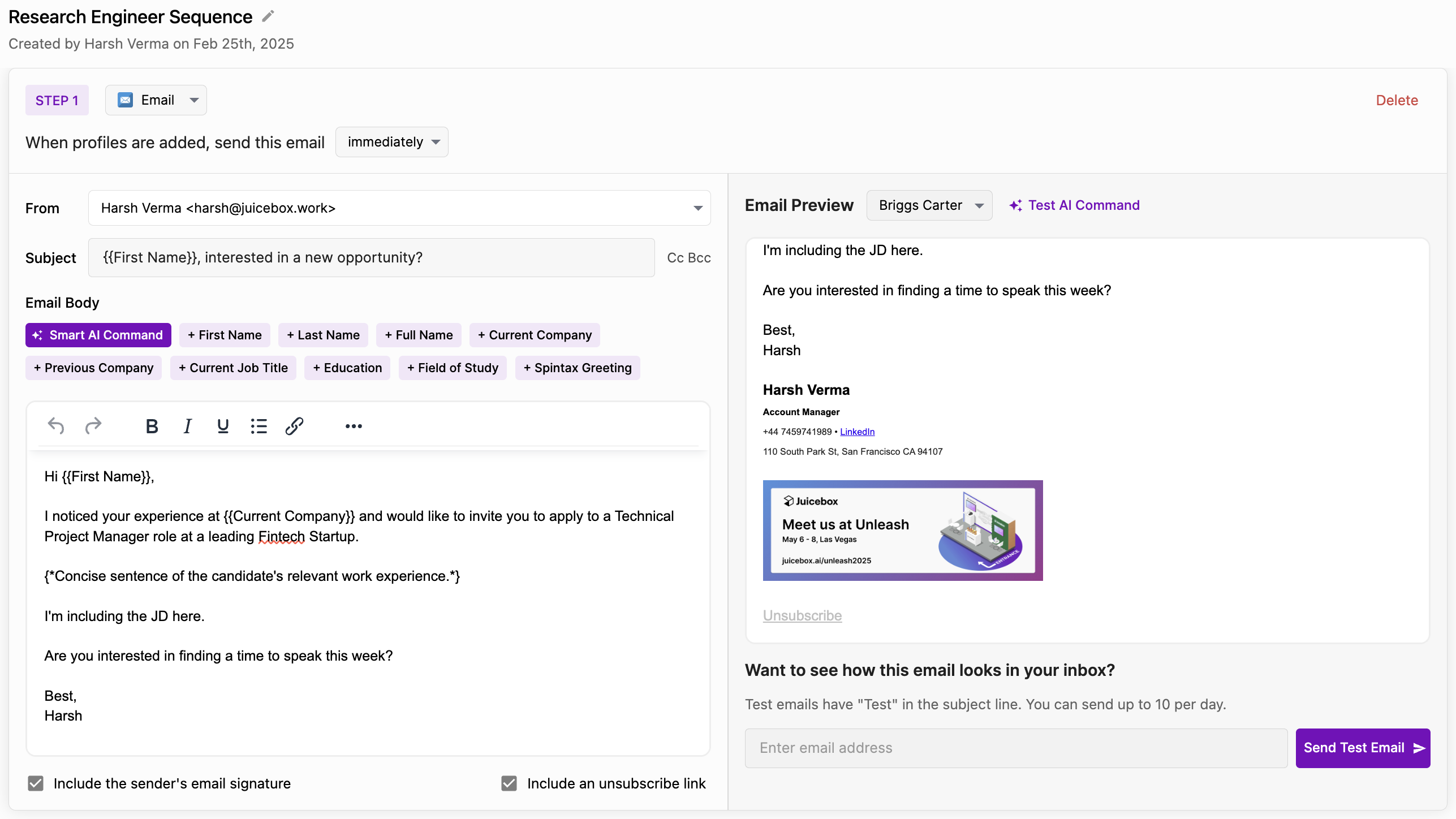
4. Include an “Unsubscribe” Link
Every email sequence should include a clear opt-out link. This improves deliverability and keeps you compliant with anti-spam laws.