How can I re-enroll bounced emails?
Last updated: April 16, 2025
How can I re-enroll bounced emails?
You can re-enroll emails that have bounced into a sequence.
To do so, go to the sequence menu, select the profiles that have bounced, and click "actions" and "Re-enroll in sequence."
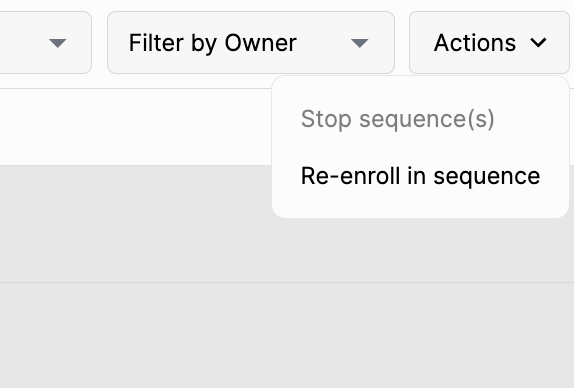
Finally, select the desired sequence, preview, and send.